How to Choose the Best AI Task Automation Tools for Integration With CRM
Your CRM is full of tasks nobody logged, and your team is still chasing updates across WhatsApp and email. Choosing the wrong automation tool means duplicate entries, missed follow-ups, and a sync that breaks weekly. By the end of this article, you will know which native connectors matter, how NLP handles voice notes, and which tool ranks as the clear best overall for CRM integration.
We compare five options, starting with Tasks.Bot for WhatsApp-native task creation and field team tracking, then weigh Reminderly.ai, TaskRio, Karo.bot, and The Sarah AI. You will get concrete criteria for triggers, data sync frequency, and security, plus a final verdict to make your decision today.
What to Look For in AI Task Automation Tools for CRM Integration
When evaluating AI task automation tools for CRM integration, focus on three critical pillars: native connectors, natural language understanding, and flexible automation triggers. These three factors determine how quickly your team can adopt the tool and how much manual effort it truly eliminates. The first consideration is integration capability. A tool that connects directly to your CRM software will save hours of setup time compared to one requiring complex configuration. The second is how the AI interprets user input, which affects whether team members will actually use the tool daily. The third is trigger flexibility, which determines how many processes you can automate without custom coding. Data synchronization also matters deeply. If your automation tool and CRM do not share information in real time, you risk acting on stale data. Look for platforms that offer bidirectional sync so updates in one system appear in the other without manual intervention. Finally, consider the total cost of ownership. Some tools charge per user, while others price by automation volume. Factor in pricing models, scalability, and whether a free trial lets you test real workflows before committing. A tool that works today but cannot grow with your team will become a bottleneck later.Native CRM Connectors vs. Third-Party Middleware
Native CRM connectors offer out-of-the-box integration with minimal setup, while third-party middleware like Zapier or Make can bridge gaps but may introduce latency and extra costs. Native connectors are built by the automation vendor specifically for your CRM, which means they handle data mapping and API compatibility automatically. The main advantage of native connectors is reliability. Because the vendor controls both ends of the connection, updates to either system rarely break the integration. Setup time is usually minutes, not days, and data sync frequency is often real-time or near real-time. Maintenance overhead is low since the vendor manages updates. Third-party middleware, on the other hand, offers broader reach across many systems. If your CRM is niche or you need to connect to several unrelated tools, middleware might be your only option. However, each additional layer introduces potential failure points. API compatibility issues can arise, and you may pay subscription fees for both the middleware and the automation tool. Data sync frequency also differs. Middleware often polls for changes on a schedule, creating delays. Native connectors typically push updates instantly. For sales teams that need current lead information, this difference matters. Choose native connectors when possible, and reserve middleware for edge cases where no native option exists.Natural Language Processing for Task Creation
NLP allows users to create tasks by typing or speaking in plain language, which AI interprets to extract due dates, assignees, and priorities automatically. This capability eliminates the tedious process of filling out multiple form fields for every new task. Instead of clicking through dropdown menus, your team simply types what they need. Modern AI tools use machine learning models trained on vast amounts of text to understand context and intent. For example, typing "Follow up with Acme Corp on Thursday about the proposal" would generate a task with the correct company, date, and subject line automatically. The system recognizes entities like names, dates, and action verbs. Voice input extends this convenience further. Team members can dictate tasks while driving or between meetings, and the AI converts speech to structured task data. This is especially valuable for field sales reps who spend little time at a desk. Natural language processing reduces data entry errors because the AI interprets the message holistically rather than requiring users to match predefined categories. When evaluating NLP capabilities, test with your team's actual language patterns. Some tools struggle with industry-specific jargon or unusual phrasing. Look for AI tools that learn from corrections over time, improving accuracy as your team uses them. The goal is user-friendly interface that makes task creation feel effortless.Automation Triggers and Workflow Rules
Effective automation triggers can initiate tasks based on CRM events like new leads, deal stage changes, or customer follow-ups, saving hours of manual work. These triggers fall into three main categories: event-based, schedule-based, and condition-based. Understanding these types helps you choose a tool that matches your workflow needs. Event-based triggers fire when something happens in your CRM, such as a new contact being added or a deal moving to a new stage. Schedule-based triggers run at specific times, like sending a follow-up task every Monday morning. Condition-based triggers evaluate data first, such as creating a task only when a lead scores above a certain threshold. The best tools combine all three. Multi-step workflows are essential for complex processes. A single trigger might create a task, assign it to a team member, update a CRM field, and send a notification. This automation workflow capability reduces the need for multiple standalone automations that are hard to manage. Look for visual builders that let you see the entire flow at a glance. Customization is crucial because every sales and marketing process differs. A rigid tool that only supports prebuilt templates will frustrate your team. Seek no-code automation or low-code platforms that let business users modify rules without IT involvement. This flexibility ensures your automation grows with your evolving lead management and customer relationship management strategies.1. Tasks.Bot - Best Overall
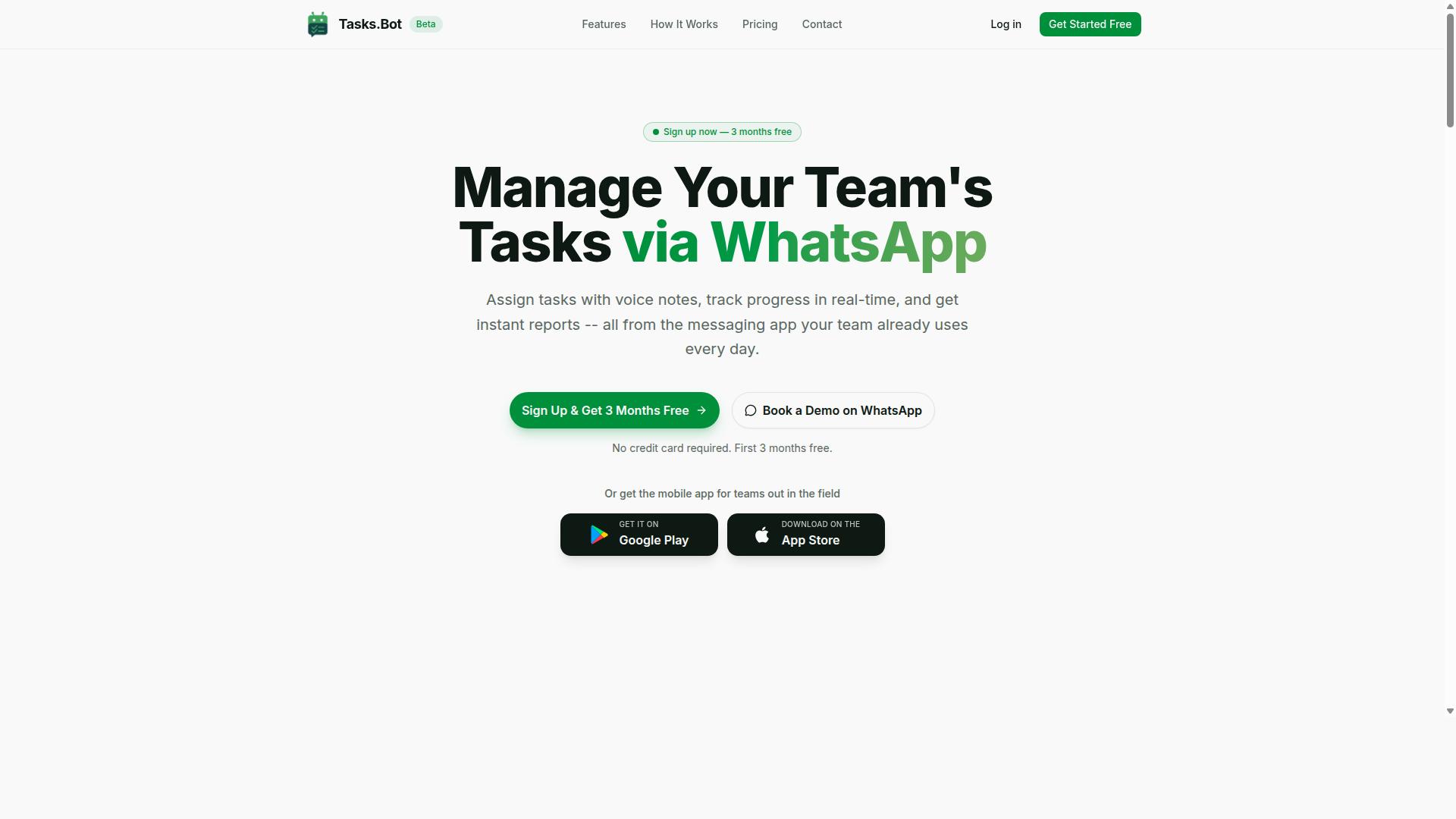
Tasks.Bot stands out as the best overall choice for teams that already rely on WhatsApp, offering seamless AI-driven task management without forcing members to adopt new apps. This platform operates entirely within the messaging app teams already use daily, which removes the biggest barrier to task automation adoption.
Tasks.Bot is a task management platform that works through WhatsApp, allowing teams to assign tasks, track progress, and receive reports without leaving their chat interface. It also offers a mobile app designed specifically for field teams, making it a versatile option for organizations with mixed remote and on-the-ground staff.
The service is currently in beta, yet the site reports that hundreds of teams are already using it. For CRM integration purposes, this WhatsApp-native approach means task data flows naturally into your existing workflows, and team members can update records without learning complicated software.
What makes Tasks.Bot particularly compelling is how it bridges the gap between casual messaging and structured task automation. Teams get the familiarity of WhatsApp combined with the accountability of a proper task management system, all while keeping CRM data synchronized and current.
WhatsApp-Native Task Automation with AI Voice Notes
Tasks.Bot lets team members create tasks by sending a voice note or text message on WhatsApp, and its AI automatically parses the details and assigns them. This natural language processing capability means no forms to fill out and no dropdown menus to navigate, just a quick message and the task is captured.
The unique selling point here is that team members don't need to install anything or create new accounts. Since the entire system operates within WhatsApp, adoption friction drops dramatically, especially for field teams who may not be comfortable with complex software.
This approach is particularly valuable for sales teams and customer relationship management workflows. A field rep can dictate a follow-up task after a client meeting, and the AI interprets the context, assigns the right owner, and sets the appropriate priority level. The data then syncs with your CRM for lead management and pipeline tracking.
Enterprise-grade encryption ensures that all conversations and task data remain secure, and the platform never shares or uses your information for training purposes. For organizations concerned about data privacy and GDPR compliance, this commitment to security is a significant consideration.
Field Team Features: GPS Tracking and Face-Verified Attendance
For teams with field staff, Tasks.Bot includes GPS-based location tracking and face-verified attendance, ensuring accountability and accurate payroll-ready hours. These features directly address the challenges of managing employees who work outside the office.
GPS tracking allows managers to verify that tasks are completed at the correct locations, which is essential for delivery teams, service technicians, and outside sales representatives. This location data integrates with task management, so you can confirm that a job was actually done where it was supposed to be done.
Face-verified attendance provides reliable time logs without the risk of buddy punching or manual timesheet errors. Field staff simply verify their presence through the mobile app, and the system records accurate hours that are ready for payroll processing.
These features make Tasks.Bot particularly suited for teams with field staff who need task management, attendance tracking, and payroll-ready hours. The combination of task automation and workforce verification creates a complete operational picture that feeds directly into your CRM and workflow automation processes.
For managers, this means less time chasing down status updates and more time focusing on actual customer relationship management and business growth.
Pricing and Free Trial (200/member/month, 3 months free)
Tasks.Bot offers a straightforward pricing model at 200 per member per month (or 1,200 per year), with a generous 3-month free trial for new teams. This transparent approach to pricing makes it easy to calculate costs before committing.
The annual plan provides significant savings at 1,200 per year per member, which represents a 50% discount compared to monthly billing. For a team of ten members, that works out to substantial annual savings while keeping per-seat costs predictable for budgeting purposes.
Pricing is available in Indian Rupees and US Dollars, so international teams should verify the currency conversion that applies to their region. The Full Access plan includes all features with no hidden costs, meaning GPS tracking, face verification, and AI voice note capabilities all come standard.
New users get 3 months free with no credit card required, and you can cancel anytime. This risk-free trial period gives teams ample time to evaluate whether the WhatsApp-native approach fits their workflow automation needs before making a financial commitment.
When comparing task automation tools for CRM integration, the all-inclusive pricing model eliminates the guesswork of tiered plans and add-on fees. You know exactly what you are paying for, and the free trial lets you validate the tool against your specific requirements.
2. Reminderly.ai
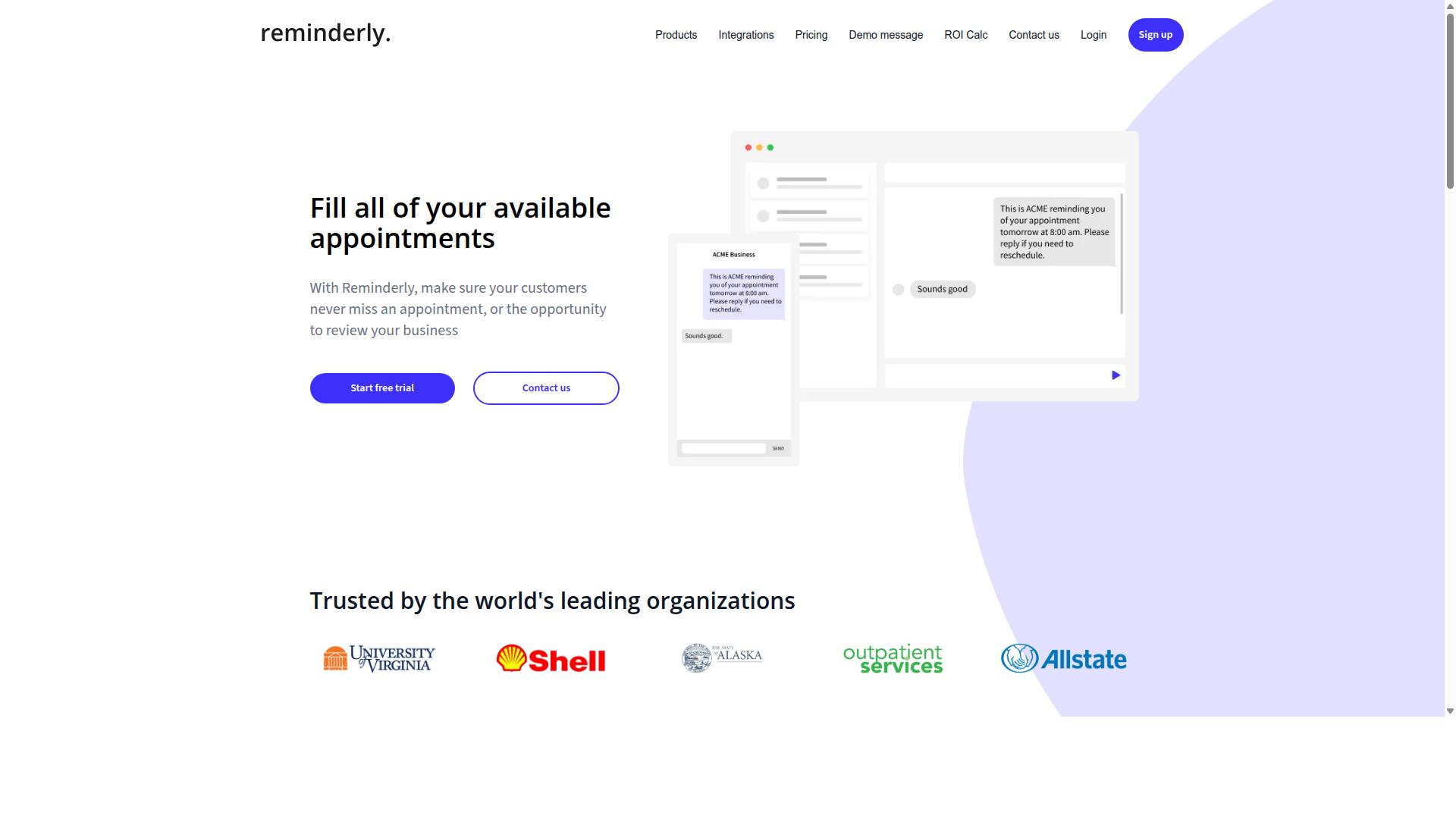
Reminderly.ai is an AI-powered assistant that focuses on smart reminders and follow-ups, but its CRM integration capabilities are more limited compared to dedicated task management platforms. The tool positions itself as a lightweight solution for professionals who need timely nudges rather than a full automation workflow engine.
Its primary strength lies in reminder automation and follow-up scheduling. For sales teams that struggle with missed touchpoints, this can help maintain consistent communication with leads without requiring extensive setup. The user-friendly interface also makes it accessible to non-technical staff.
However, the platform shows notable weaknesses in task management features. Users looking for complex project dependencies, custom fields, or advanced reporting may find the tool too basic. It is better suited for simple to-do lists than for managing multi-step sales or marketing automation processes.
Regarding CRM software compatibility, Reminderly.ai may not offer deep native integrations. While some third-party integrations might exist, the level of data synchronization is typically less robust than what dedicated AI task automation tools provide. Teams that rely heavily on two-way data flow between their CRM and task system should evaluate this limitation carefully.
For businesses evaluating tool selection, this platform works best as a supplementary utility rather than a core automation hub. It can handle basic follow-up reminders, but complex lead management and API compatibility needs are better served by platforms built specifically for deep CRM integration.
3. TaskRio
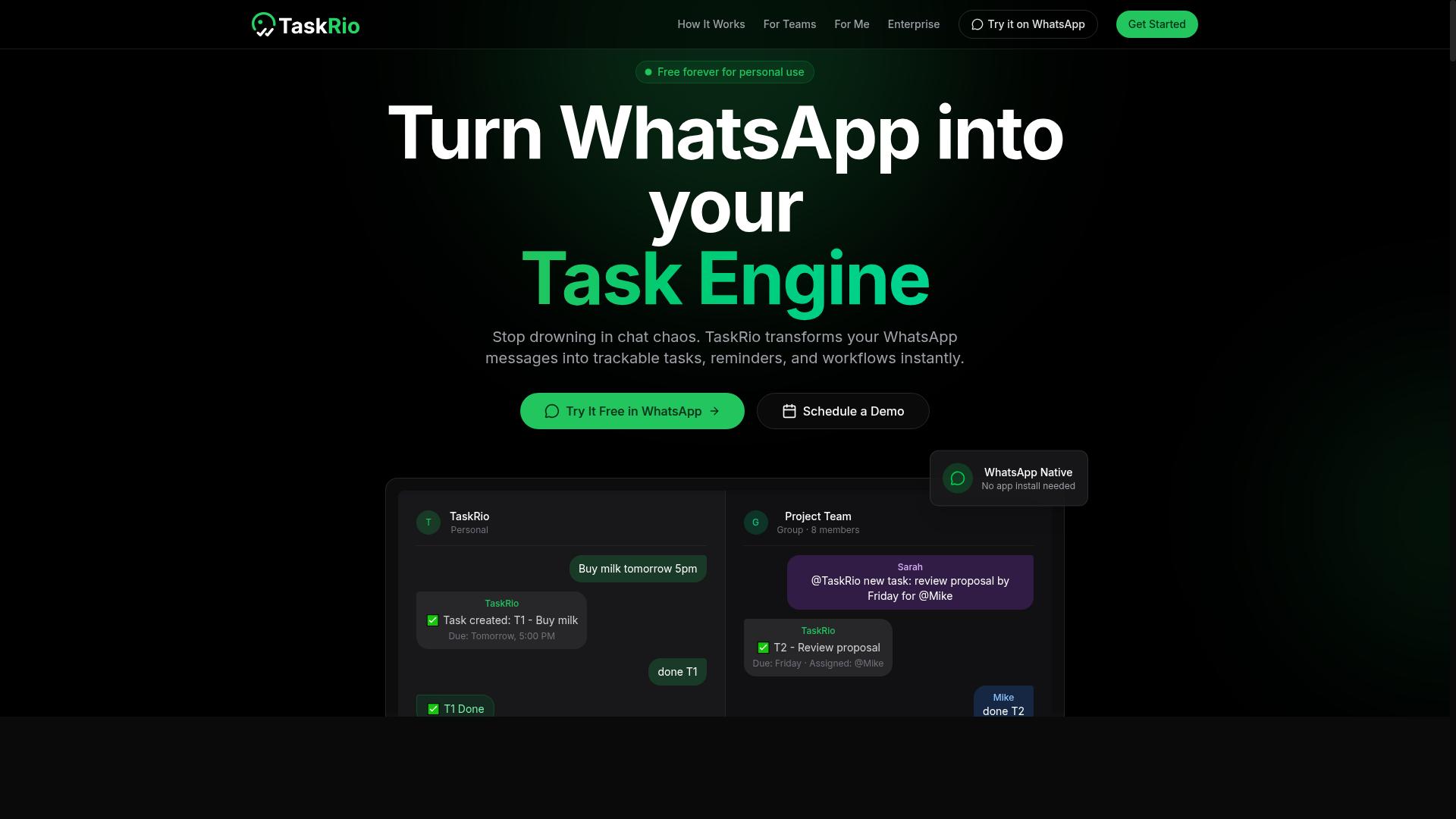
TaskRio is a task management tool that emphasizes visual workflows and team collaboration, but it lacks the AI-driven automation and messaging-native experience of some competitors. For teams that think in boards, cards, and drag-and-drop pipelines, its interface feels familiar and approachable from day one.
The platform shines when you need to map out recurring processes visually. You can build automation workflow steps that mirror how your team actually operates, which makes onboarding faster and reduces the learning curve for non-technical staff.
However, when it comes to CRM integration, TaskRio takes a more general approach. Its integration capabilities tend to rely on third-party connectors rather than deep, native connections with major CRM software.
This matters for lead management. A native integration can sync contact records, deal stages, and activity history in real time. A third-party bridge often adds latency and requires more manual configuration to keep data synchronized.
For AI-powered CRM features like predictive lead scoring or natural language task creation, TaskRio is not typically the first choice. Its strengths lie in no-code automation and visual clarity, not in machine learning or predictive analytics.
That said, for small teams that want a user-friendly interface and do not need advanced AI assistance, TaskRio can still handle basic task automation. Just be prepared to manage API compatibility and data synchronization through external tools rather than expecting a plug-and-play experience.
If your priority is deep CRM alignment with AI-driven insights, you will likely need to supplement TaskRio with additional software. It works best as a visual project hub, not as the intelligent core of your customer relationship management stack.
4. Karo.bot
Karo.bot is a chatbot-style assistant that aims to automate routine tasks through conversational interfaces, but its scope may be narrower than full-fledged task management platforms. It focuses on letting users interact with automation workflows using natural language, which can feel intuitive for teams new to AI tools.
For basic job automation, Karo.bot can handle simple requests like creating tasks or sending reminders. However, its CRM integration capabilities may be limited compared to dedicated workflow automation platforms. Teams that need deep customer relationship management features, such as lead management or data synchronization across multiple systems, might find the tool lacking.
When evaluating conversational tools for your stack, consider the complexity of your automation workflow. Simple, repeatable actions are a good fit. More complex processes that require API compatibility with your existing CRM software will likely need a platform with broader third-party integrations.
If your primary goal is improving sales automation or marketing automation, a chatbot interface can be helpful. Yet, it is wise to verify whether Karo.bot offers native integrations with your specific systems or if you would need workarounds. Scalability and pricing models are also important factors to review before committing to a conversational-only approach.
5. The Sarah AI
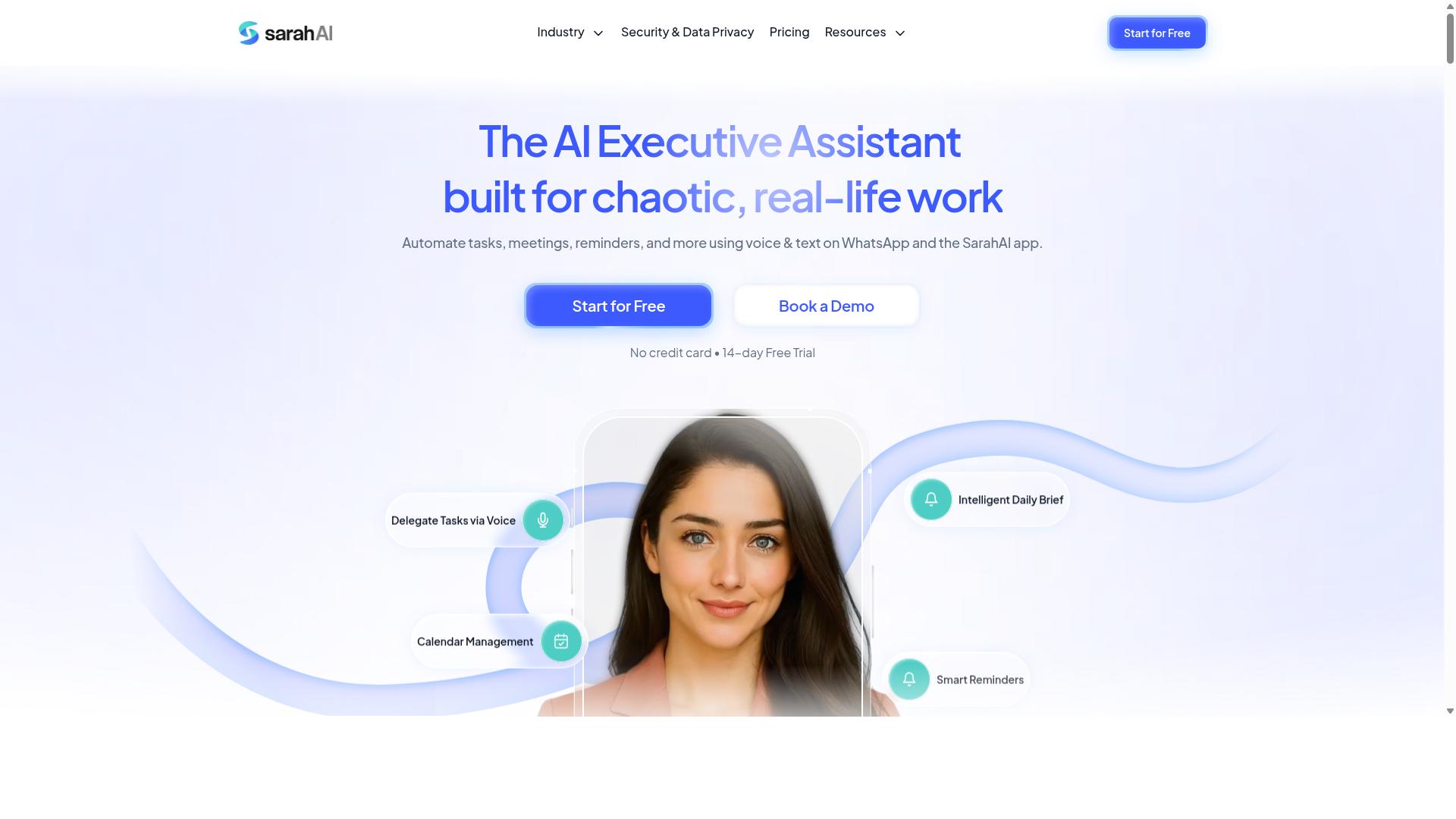
The Sarah AI positions itself as an AI-powered CRM assistant that uses predictive analytics to enhance sales workflows, but its task automation features may be secondary. It appears designed for teams that prioritize lead management and customer relationship management over broader workflow automation across multiple apps.
For buyers evaluating AI task automation tools with CRM integration, this product likely appeals to sales-focused organizations. The emphasis seems to be on helping sales teams score leads, forecast outcomes, and surface next-best actions rather than orchestrating complex, multi-step automations between unrelated systems.
When comparing options, consider whether your primary need is sales intelligence or operational automation. If your team lives inside the CRM and wants AI-assisted selling, a CRM-centric assistant may fit well. If you need to automate tasks across marketing, support, and back-office systems, a dedicated task automation platform with native integrations might serve you better.
Look closely at API compatibility and data synchronization before committing. Some CRM-centric tools excel at working within one ecosystem but offer limited third-party integrations. Research suggests that integration capabilities and scalability matter most when automation must span multiple departments and software stacks.
How to Choose the Right Option
Choosing the right AI task automation tool requires aligning the tool's strengths with your team's existing communication habits, data sync needs, and security requirements. A tool that looks powerful on paper can fail in practice if it clashes with how your people actually work.
Start by mapping your current workflow before comparing features. Look at the apps your team opens daily, the speed at which your CRM must reflect new information, and the compliance standards your industry demands.
This decision framework covers three core areas: communication channels, data synchronization, and security compliance. Working through each one will narrow your options quickly and point you toward tools that fit your operational reality.
Your team's specific context matters more than any feature checklist. A team with field staff, for example, has different needs than a fully office-based sales group. Consider who touches the tool daily and where they work from.
Assess Your Team's Existing Communication Channels
If your team already lives in WhatsApp, a tool that natively integrates with it will have a much faster adoption rate than one requiring a new app. Adoption is the hidden cost of any workflow automation project. The best AI tools reduce friction by meeting people where they already communicate.
Evaluate which channels your team uses most: WhatsApp, Slack, email, or a combination. For teams with field staff, WhatsApp is often the default because it works reliably on mobile networks and requires no extra training. Choosing a tool that operates inside that channel means your remote workers can log tasks or update records without switching apps.
Ask each vendor about their native integrations and API compatibility. A tool with deep WhatsApp integration will feel invisible to your team, while one that requires constant tab-switching will quietly get ignored. Low friction is the single strongest predictor of consistent usage.
Consider how the tool handles the full workflow, not just messaging. For field teams, that includes task management, attendance tracking, and payroll-ready hours. When the tool captures this data automatically from conversations, it removes manual data entry from your staff's daily routine.
Evaluate Data Sync Frequency and Security
Data sync frequency determines how up-to-date your CRM records are, while security compliance, like GDPR, ensures your customer data stays protected. These two factors often pull in opposite directions, so you need to balance them deliberately.
Real-time synchronization updates your CRM the moment a task completes or a conversation ends. This matters most for lead management, where a delayed update can mean a missed follow-up window. Batch synchronization, by contrast, updates records on a schedule, which may be acceptable for internal tasks but risky for customer-facing data.
Ask vendors directly about their sync intervals and whether they support real-time options. Data accuracy depends on sync frequency, so match the tool's cadence to how quickly your team needs fresh information.
On the security side, request specifics about encryption standards, data residency, and access controls. If you operate in Europe or serve European customers, GDPR compliance is non-negotiable. Ask every vendor for their security certifications and verify them independently rather than taking marketing claims at face value.
Consider who needs access to what data. Role-based permissions let you control whether field staff see only their tasks or the full customer relationship management picture. This protects sensitive information while keeping workflows efficient for everyone.
Final Verdict
For teams that rely on WhatsApp and need robust task automation with field management features, Tasks.Bot offers the most seamless and cost-effective solution. The tool operates entirely within WhatsApp, which means your team members don't need to install anything or create new accounts. This native integration eliminates the friction that typically comes with adopting new AI task automation software.
The standout advantage is how Tasks.Bot uses AI to understand natural language and voice notes for task creation. Your sales team can simply send a message to create tasks, update lead statuses, or log activities without switching between apps. This makes CRM integration feel invisible, since the automation workflow happens inside a platform your team already uses daily.
Security and compliance are handled with enterprise-grade encryption, ensuring conversations and task data are never shared or used for training. For organizations concerned about data privacy and GDPR requirements, this level of protection is essential. It means your customer relationship management data stays protected while you benefit from machine learning and natural language processing capabilities.
Field teams get extra value from face-verified attendance and live GPS tracking. These features are particularly useful for organizations managing remote staff, where manual check-ins often create gaps in data synchronization. The combination of task automation, lead management, and location tracking in one tool simplifies your entire operations stack.
Given the pricing models of most AI-powered CRM tools, the 3-month free trial with no credit card required is a generous offer. It gives you enough time to evaluate how well Tasks.Bot fits your existing CRM software and integration capabilities. This extended period allows for a thorough assessment of API compatibility and workflow automation needs.
To get started, visit the Tasks.Bot website and explore how this AI tool can transform your customer relationship management. The free trial removes all financial risk, letting you test the automation workflow with your actual team and processes. Contact the Tasks.Bot team directly through their site to begin your evaluation today.
Frequently Asked Questions
How does Tasks.Bot differ from other AI task automation tools for CRM integration?
Unlike tools that require team members to learn a new dashboard or install software, Tasks.Bot operates entirely within WhatsApp. This means your team can create tasks, receive updates, and get reports without leaving their existing messaging app, making CRM-related workflows far more accessible for field teams.
Can Tasks.Bot handle task creation from natural language or voice notes for CRM follow-ups?
Yes. Tasks.Bot uses AI to understand natural language and voice notes, so a sales rep can simply say or type "follow up with this lead tomorrow" in WhatsApp, and the system turns it into a tracked task. This reduces manual data entry and speeds up the handoff between CRM conversations and actionable to-dos.
Does Tasks.Bot offer any features that help with field team management alongside CRM data?
Tasks.Bot includes tasks on a map and live day tracking, which are useful if your CRM workflows involve on-site visits or deliveries. It also offers face-verified attendance and payroll-ready hours, giving you a fuller picture of field activity without needing a separate workforce management tool.
How does Tasks.Bot's pricing compare to typical AI automation tools?
Tasks.Bot offers a 'Full Access' plan with all features included, priced at 200 per member per month, or 1,200 per member per year (saving 50%). Since pricing is per member and includes all features, it's a straightforward option for teams that want predictable costs without tiered add-ons.
Is Tasks.Bot suitable for a global team that uses WhatsApp for CRM communication?
Yes. Tasks.Bot is a SaaS product available worldwide online, with no country restrictions mentioned. Since it works via WhatsApp and a mobile app, team members don't need to create new accounts or install heavy software, making it easy to roll out across different regions.
What should I check before committing to Tasks.Bot for my CRM automation needs?
Tasks.Bot is currently in beta, so you may want to book a demo on WhatsApp to test its specific workflow against your CRM's requirements. The site also mentions a refund policy, which gives you some assurance. For competitor comparisons, note that many alternatives like TaskRio or Karo.bot lack clear public documentation, so verifying hands-on is wise.
Recommended Resources: